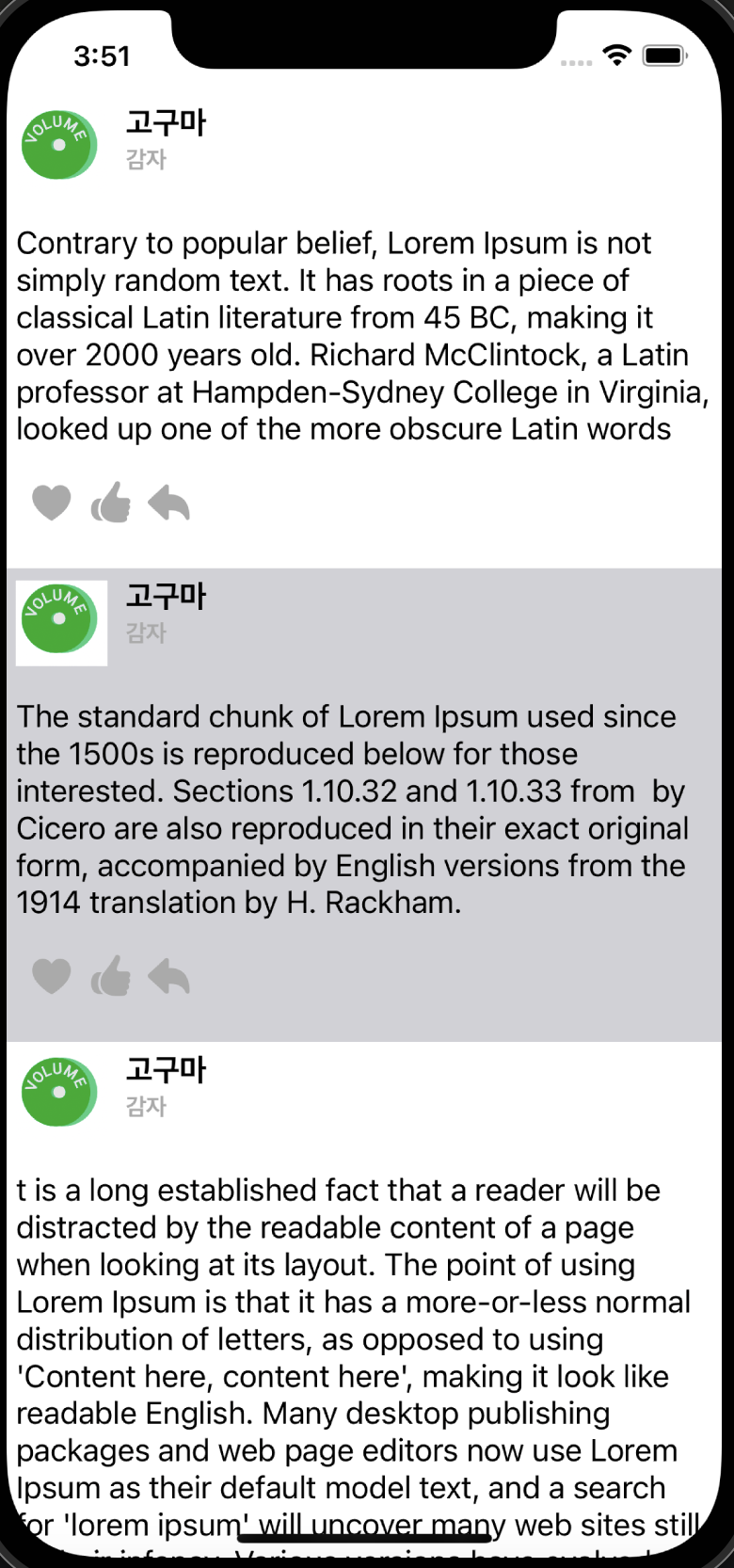
테이블뷰의 각셀을 레이블의 내용 따라 변하는 실습을 했다

테이블뷰에서 셀을 구성해도 되고 이렇게 따로 빼도됨
스텍뷰와 이미지뷰 레이블로 구성해 오토레이 아웃잡아줌
이제 각 셀을 불러오고 테이블뷰에 표시하는 코드 작업을 한다.
데이터는 임의의 배열은 만들었다.
 override func viewDidLoad() {
        super.viewDidLoad()
        // Do any additional setup after loading the view.

        //셀 리소스 파일 가져오기
        let myTableViewCellNib = UINib(nibName: String(describing: MyTableViewCell.self), bundle: nil)
        // 셀에 리소스 등록
        self.myTableView.register(myTableViewCellNib, forCellReuseIdentifier: "myTableViewCell")
        //기본 설정 높이
        self.myTableView.estimatedRowHeight = 120
        // delegate, dataSource 연결
        self.myTableView.delegate = self
        self.myTableView.dataSource = self


    }
셀의 크기가 레이블 내용에 따라 동적으로 설정되도 기본 높이를 정해준다.
extension ViewController: UITableViewDelegate {

}

extension ViewController : UITableViewDataSource {

    // 테이블 뷰 셀의 갯수
    func tableView(_ tableView: UITableView, numberOfRowsInSection section: Int) -> Int {
        return self.contentArray.count
    }
    // 각 셀에 대한 설정
    func tableView(_ tableView: UITableView, cellForRowAt indexPath: IndexPath) -> UITableViewCell {
        let cell = myTableView.dequeueReusableCell(withIdentifier: "myTableViewCell", for: indexPath) as! MyTableViewCell

        cell.userContentLable.text = contentArray[indexPath.row]

        return cell
    }
}
셀의 갯수와 셀에 어떤 내용을 가져오는지 정해준다.
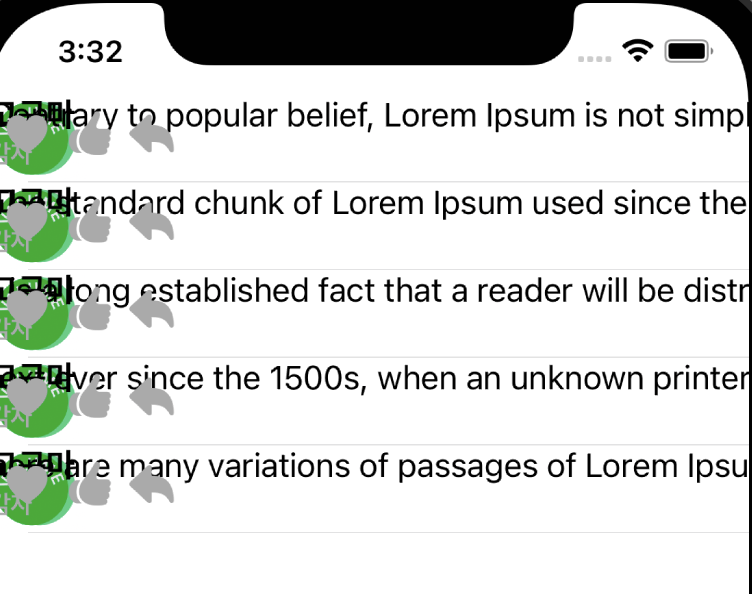
실행했더니 이렇게 셀에 대한 설정이 제대로 된게 없었다.
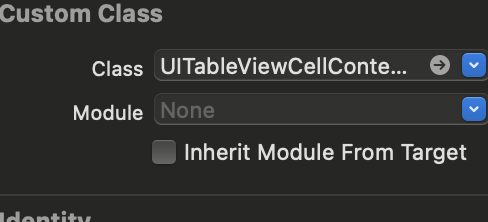
찾아보니 class 연결이 잘못되었다.
tableViewCell 하위에 contentView 의 class도 잘 연결해줘야한다.
'iOS > AutoLayout' 카테고리의 다른 글
| iOS - CollectionView (0) | 2022.06.20 |
|---|---|
| iOS - Programmatically Animation (0) | 2022.06.09 |
| iOS - Programmatically AutoLayout, Preview (0) | 2022.06.07 |
| iOS-StackView (0) | 2022.06.02 |
| iOS-Constraint Priority (0) | 2022.05.30 |


